XBOX App Launches on Hisense and VIDAA OS Smart TVs
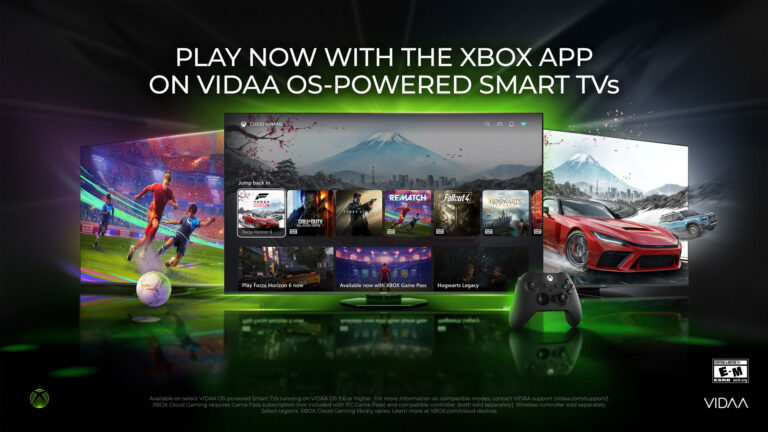
Image gallery
More images from the original story.
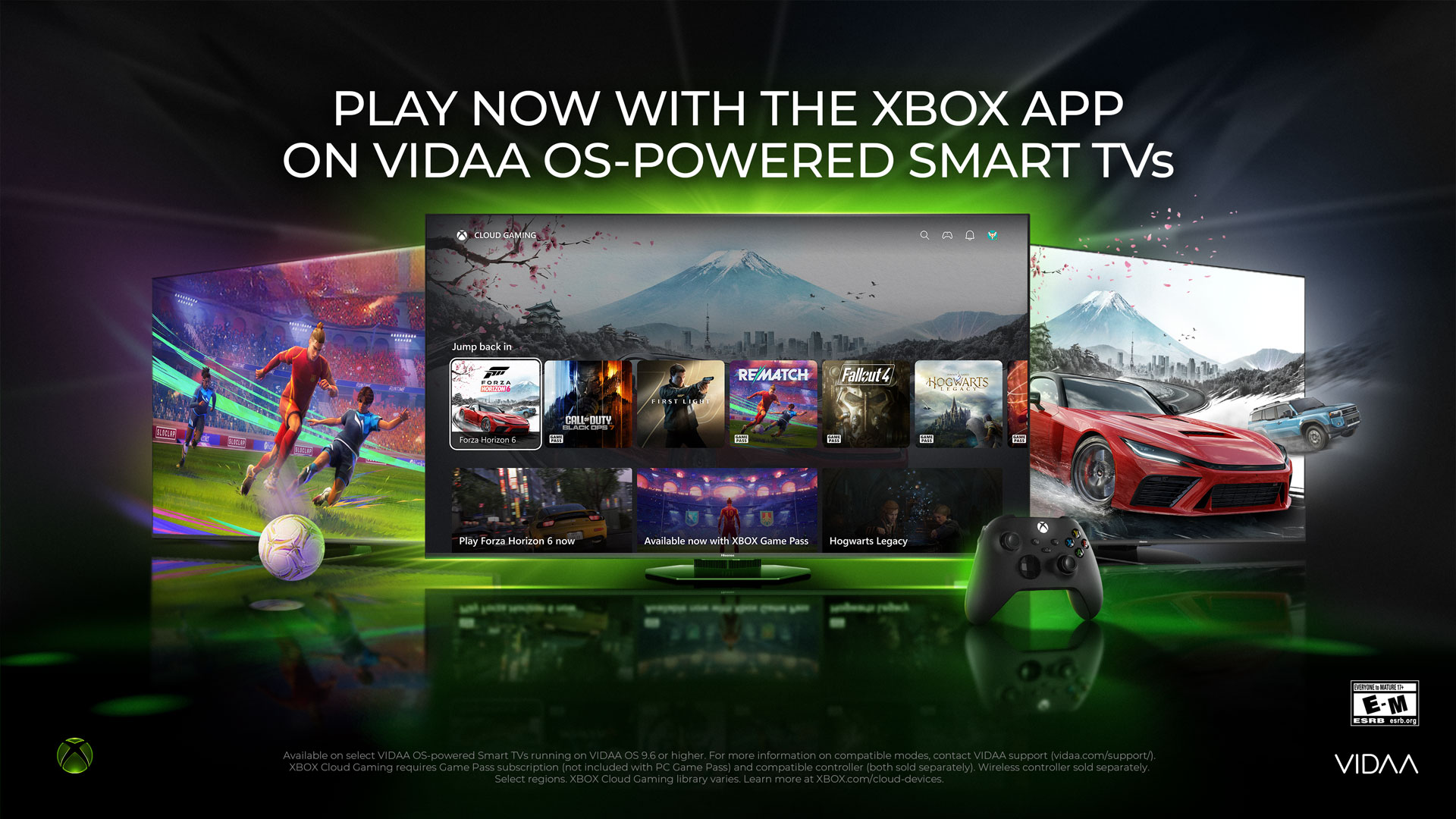

The XBOX app is now available on VIDAA OS-powered Smart TVs, expanding access to gaming for more players.
In a significant move to broaden gaming accessibility, the XBOX app has begun rolling out on VIDAA OS-powered Smart TVs, including select Hisense models. This initiative aims to provide players with more ways to engage with their favorite games without the need for dedicated gaming hardware.
Over the past month, the app has been made available to millions of VIDAA OS Smart TVs from 2024 to 2026. With a compatible TV and a Bluetooth-enabled controller, users can now stream hundreds of games directly to their televisions. This includes titles available through the XBOX Game Pass, which allows subscribers to enjoy a diverse library of games that changes over time and varies by region.
Players can seamlessly transition between devices, as their progress is saved across platforms. Whether diving into popular titles or discovering new favorites, the XBOX app enhances the gaming experience by making it more accessible.
Getting Started with the XBOX App
To use the XBOX app, players need a VIDAA OS-powered Smart TV or a supported Hisense model running VIDAA OS 9.6 or higher. Additionally, an XBOX Game Pass subscription—Ultimate, Premium, or Essential—is required, along with a compatible Bluetooth-enabled wireless controller. A reliable high-speed internet connection is also necessary for optimal performance.
Here’s how to get started:
- Ensure your TV is updated to VIDAA OS 9.6 or higher.
- Access the XBOX app from the Home Page or the “Games” section of the menu bar.
- Sign into or create your XBOX account.
- Connect a compatible Bluetooth-enabled controller.
- Select a game and start playing!
For those looking to explore gaming across various devices, the XBOX app also supports play on smartphones, Windows PCs, and tablets through cloud gaming.
Why This Matters
This rollout is crucial for players who may not have the means to invest in dedicated gaming consoles. By leveraging existing Smart TV technology, XBOX is making gaming more inclusive and accessible, allowing a broader audience to enjoy its extensive game library.
Killer Feature and your gaming library
Following gaming news is only part of the experience. Killer Feature helps bring your PC game libraries, gaming news, emulators, media services, and cloud save backup into one console-style interface built for controller and keyboard navigation.
Download Killer FeatureKey questions
Quick answers based on the article.
What is the main news regarding the XBOX app?
The XBOX app has launched on VIDAA OS-powered Smart TVs, including select Hisense models, enhancing gaming accessibility.
How can players access the XBOX app on their TVs?
Players need a VIDAA OS-powered Smart TV running VIDAA OS 9.6 or higher, an XBOX Game Pass subscription, and a compatible Bluetooth controller.
Why is the availability of the XBOX app significant?
It allows players without dedicated gaming hardware to access a wide range of games, making gaming more inclusive.
Original source
This page summarizes the story and links directly to the original publisher so you can read the full announcement from its source.
Read from source